
Appearance
Light by day, dark at night
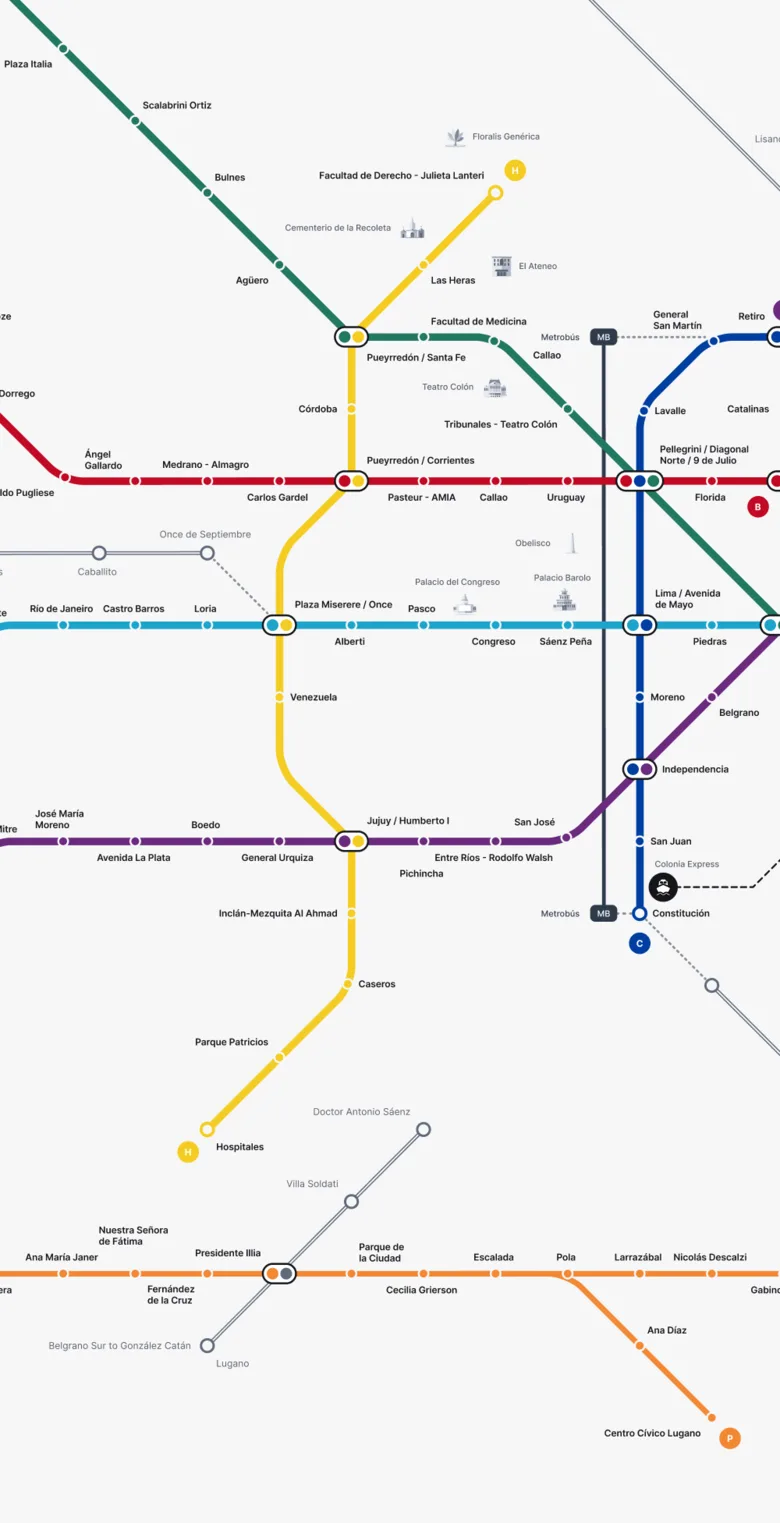
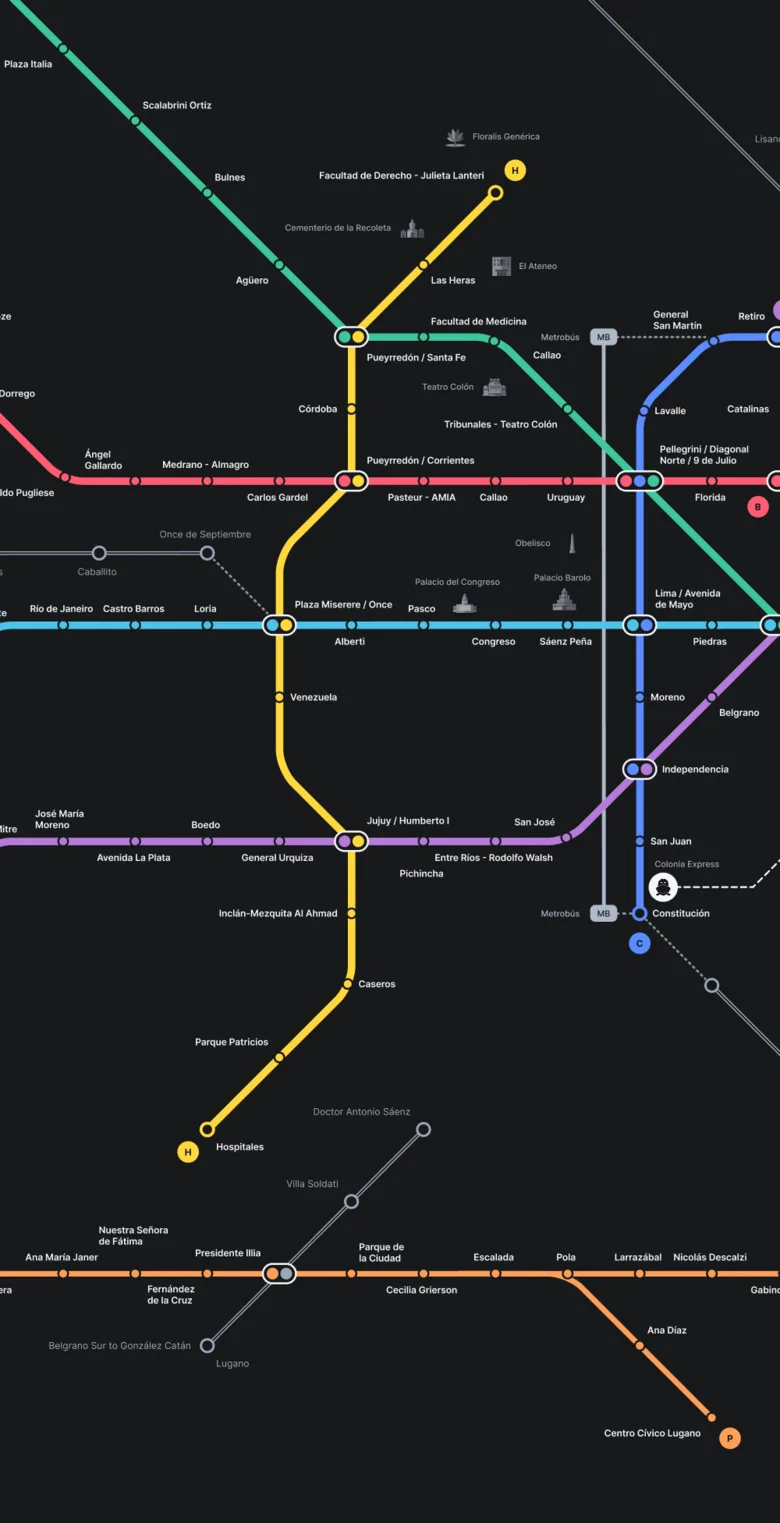
Choose a light or dark map, or let the app follow your phone. Line colors stay clear and readable in both.
Three options
Pick how the map looks
System
Follows the setting on your phone and switches on its own.
Light
A bright map for daytime and sunny streets.
Dark
A calm map for evenings and dark carriages.

Readable
A map that reads well in both themes
The background, labels and station dots switch with the theme, so the colored lines stay easy to follow in any light.
- Follows your phone by default
- Change it in Settings, Appearance
- Applies to every screen
FAQ
Questions about this feature
Does the app follow my phone theme?
Yes, by default. You can also fix it to light or dark.
Where is the setting?
In Settings, Appearance. In the light theme you can also pick a white or light gray map background.
Do the lines stay easy to see?
Yes. Each theme has its own shade of every line color so the lines stand out.
Does dark mode work offline?
Yes. The theme is part of the app and needs no connection.
Take the whole metro with you
Pick a city, follow the lines and read every label in your language. Maps stay with you underground.