Languages
A metro map in your own language
Choose from 10 languages when you first open the app and change it any time in Settings. Every screen, button and hint is translated.
LanguageYou can change it later in Settings
- EnglishEnglish
- EspañolSpanish (Argentina)
- PortuguêsPortuguese (Brazil)
- FrançaisFrench
- DeutschGerman
- TürkçeTurkish
- РусскийRussian
- 日本語Japanese
- 한국어Korean
- 简体中文Chinese (Simplified)
10 languages
Pick yours on the first launch
- EnglishEnglish
- EspañolSpanish (Argentina)
- PortuguêsPortuguese (Brazil)
- FrançaisFrench
- DeutschGerman
- TürkçeTurkish
- РусскийRussian
- 日本語Japanese
- 한국어Korean
- 简体中文Chinese (Simplified)
Settings
Switch any time
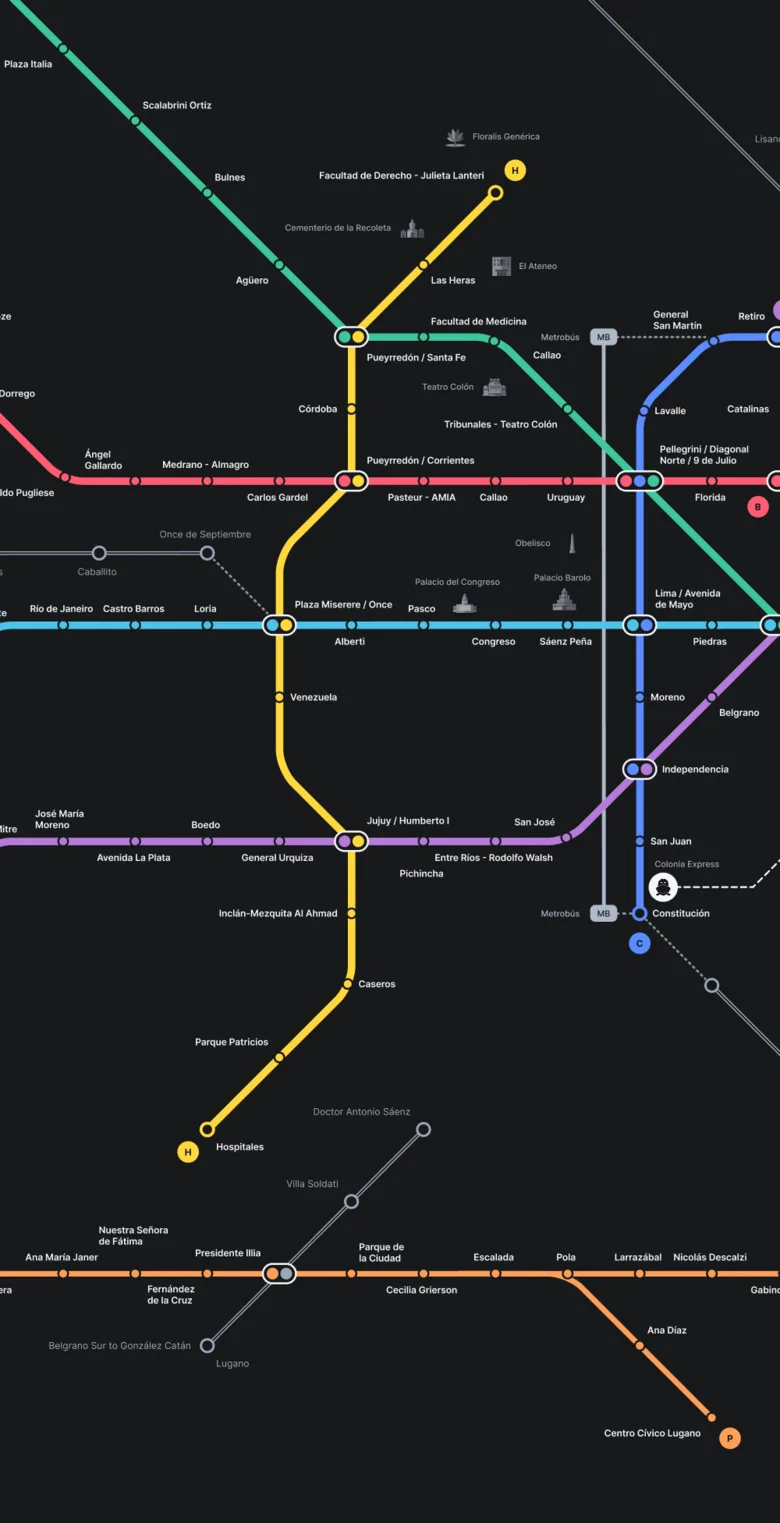
Change the language in Settings and the whole app follows right away. Station names stay as they are written in the city, so they match the signs.
- 10 languages from the first launch
- Station names match the signs
- No restart needed
FAQ
Questions about this feature
Which languages are supported?
English, Español (Argentina), Português (Brasil), Français, Deutsch, Türkçe, Русский, 日本語, 한국어 and 简体中文.
Are station names translated?
No. They stay as written in the city, so they match the signs in the stations.
How do I change the language?
Open Settings in the app and pick a language. The app switches right away.
Is the website translated too?
The home page is in English, Spanish and Turkish. The other pages are in English for now.
Take the whole metro with you
Pick a city, follow the lines and read every label in your language. Maps stay with you underground.