
Saved
Keep your stations one tap away
Tap the bookmark on any station or landmark to save it. Set home and work stations, and see the places you looked at recently.
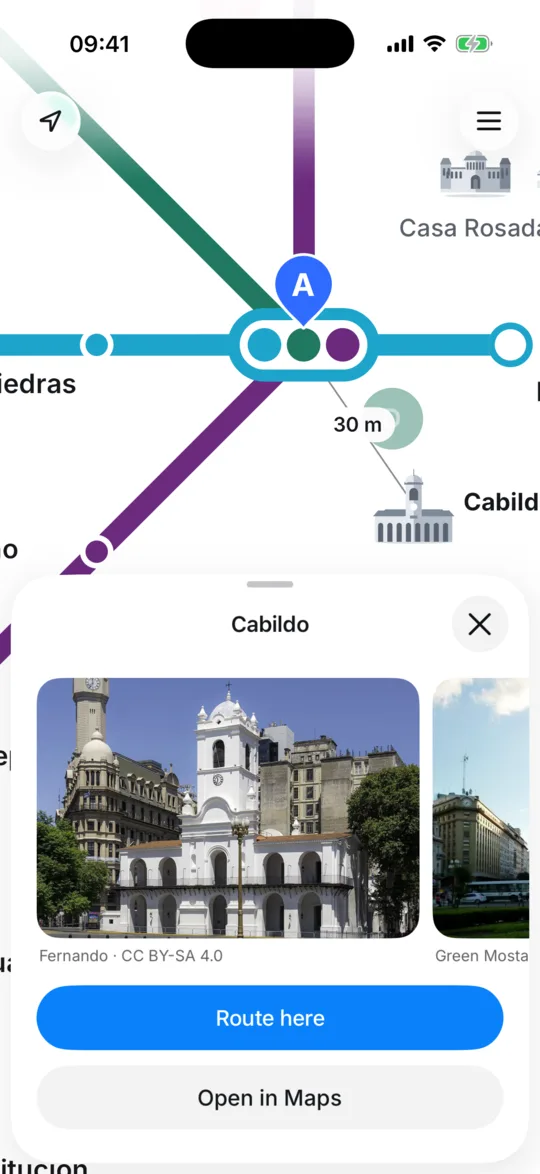
What you can save
Your shortcuts on the Go tab
Saved places
Up to 50 stations and landmarks, newest first.
Home and work
Set them once and route there in one tap.
Recent
The last 6 places you opened.

No account needed
Your places stay on your phone
Saving works as a guest, with no sign up. Your places are kept on your phone, and you can delete them any time.
- Works as a guest
- Home and work in one tap
- Delete your data in Settings any time
FAQ
Questions about this feature
Do I need an account to save places?
No. Places are kept on your phone.
How many places can I save?
Up to 50 stations and landmarks. The app also keeps your last 6 recent places.
How do I remove a saved place?
Tap the bookmark again on the station or landmark card.
Can I delete all my data?
Yes. In the app Settings, tap Delete my data. See how to delete your data.
Take the whole metro with you
Pick a city, follow the lines and read every label in your language. Maps stay with you underground.